
JFin
Your finances, clarified.
Available on the App Store
By Jayhope
Beautifully crafted, privacy-first iOS apps for finance, journaling, and fitness.
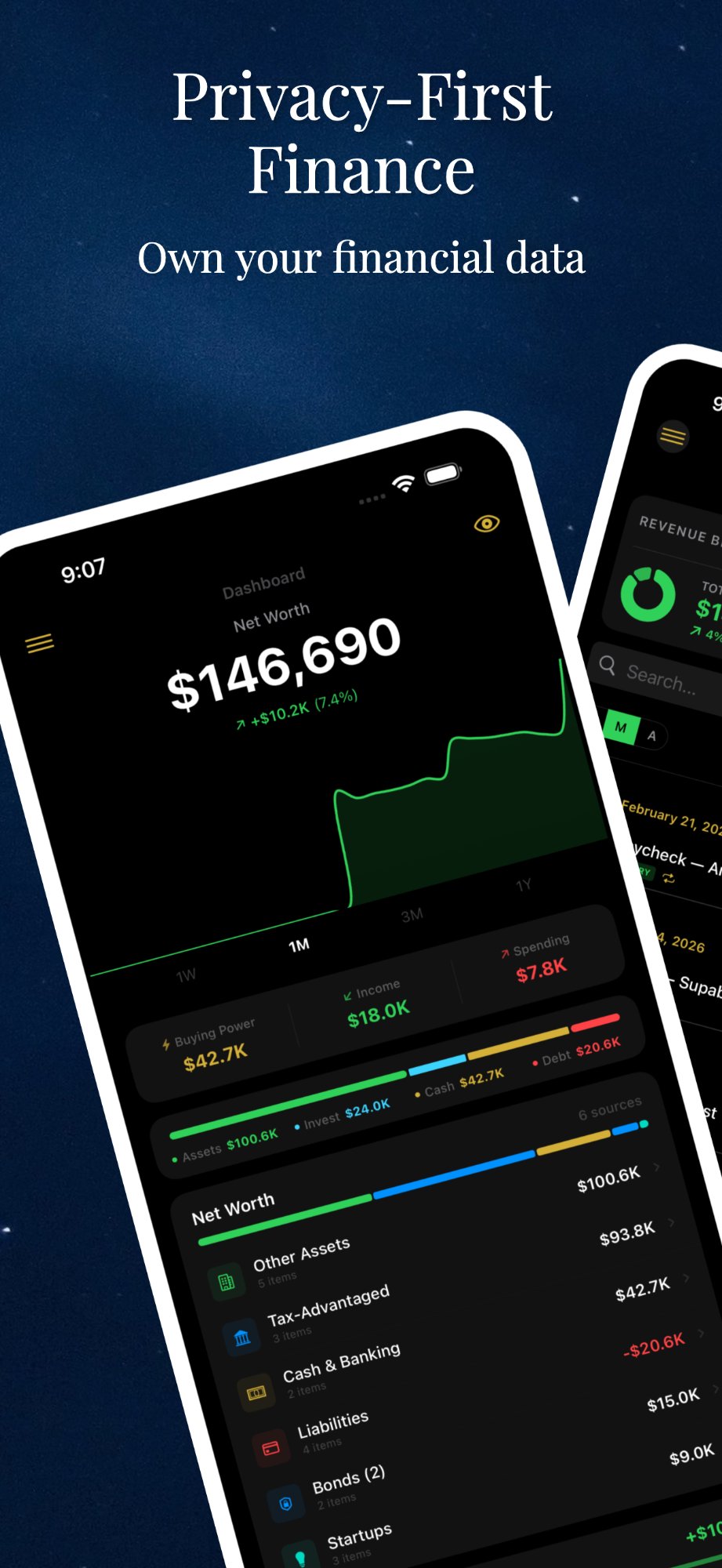
Your finances, clarified.
Every transaction, every category, every trend — rendered with absolute clarity. And it never leaves your iPhone.

Your thoughts, preserved.
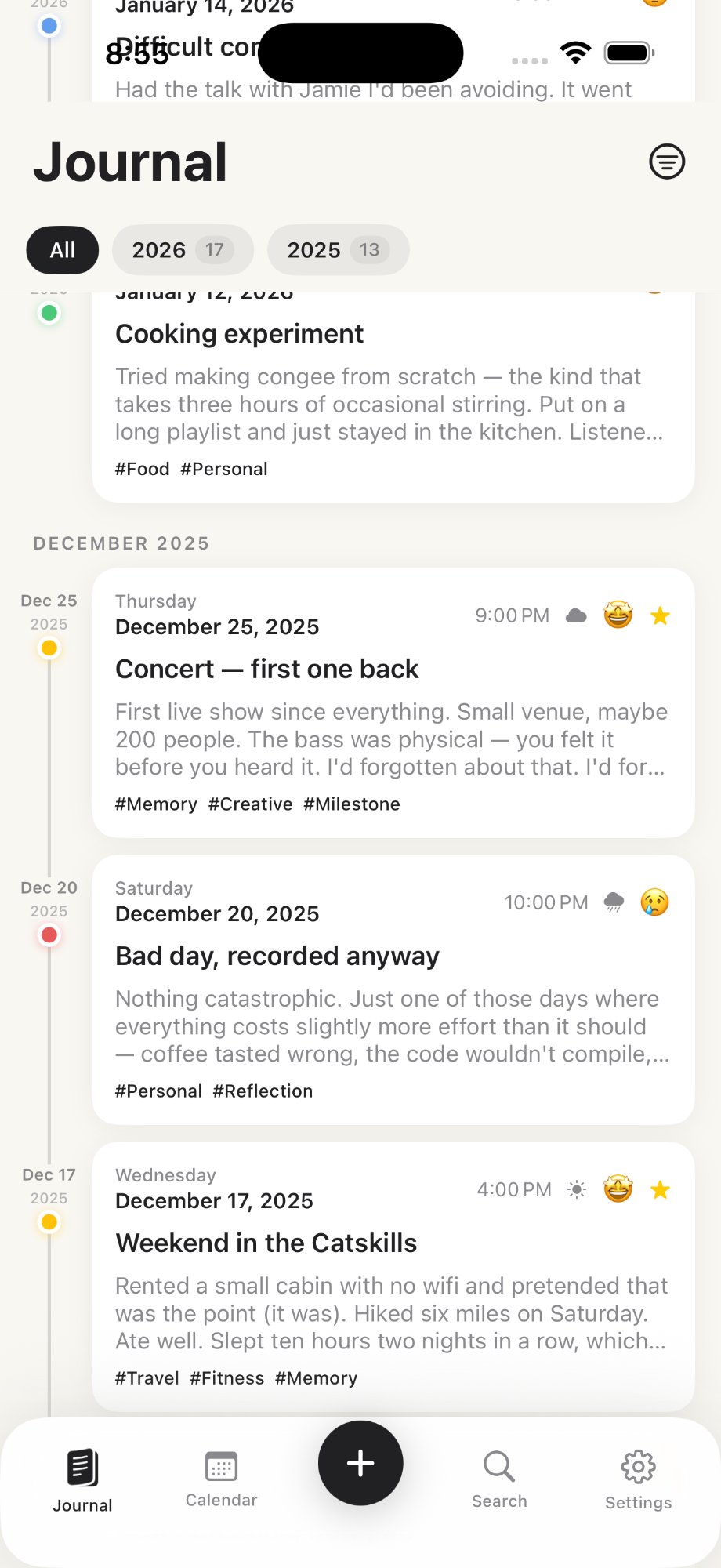
A calm, distraction-free space to reflect, write, and grow. One page at a time, entirely yours.

Coming soon
Your strength, tracked.
Your finances, clarified.
Available on the App Store
Your thoughts, preserved.
Available on the App Store
Your strength, tracked.
Coming soon
Every Jayhope app is built on the same promise: your data belongs to you, and only you.
0
Accounts
Nothing to sign up for. Ever.
0
Trackers
No analytics. No fingerprinting.
0
Ads
You are the customer, not the product.
100%
On-device
Your data never leaves your iPhone.
No accounts. No tracking. No ads. Everything stays on your device — where it belongs.
Your finances, clarified.
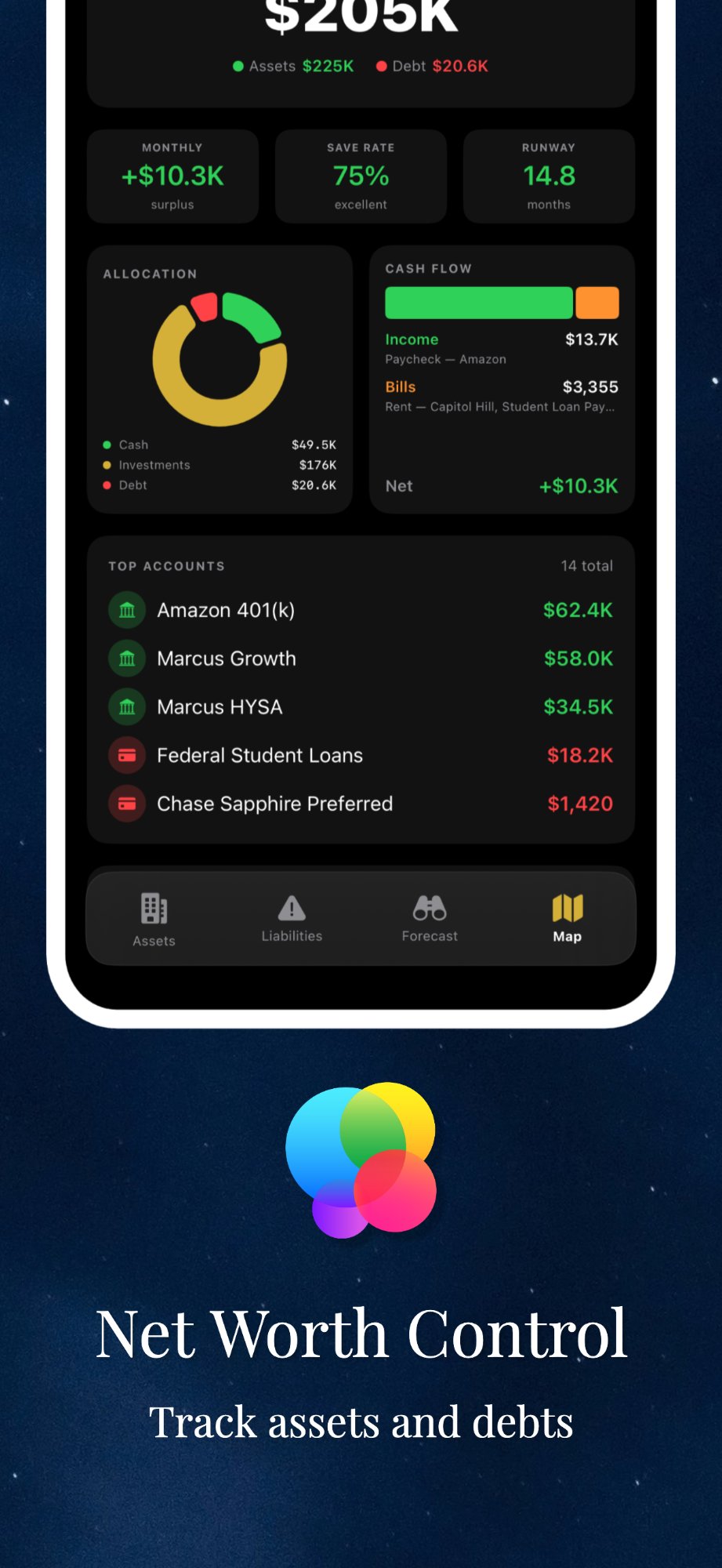
A personal finance tracker designed to help you understand where your money goes — simply and beautifully.
Tracking
Log a transaction in seconds. An interface built for speed means tracking never feels like a chore — so you actually keep doing it.
Insights
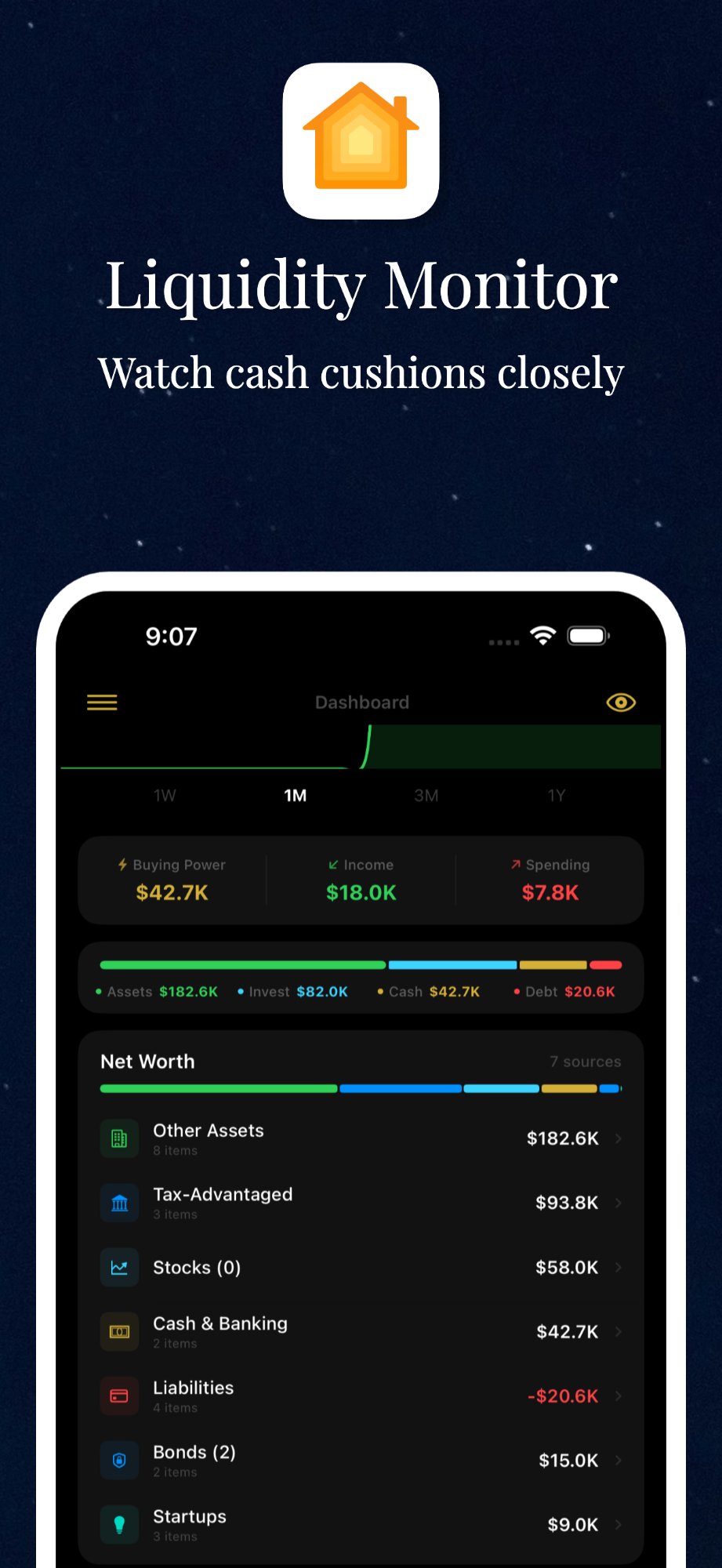
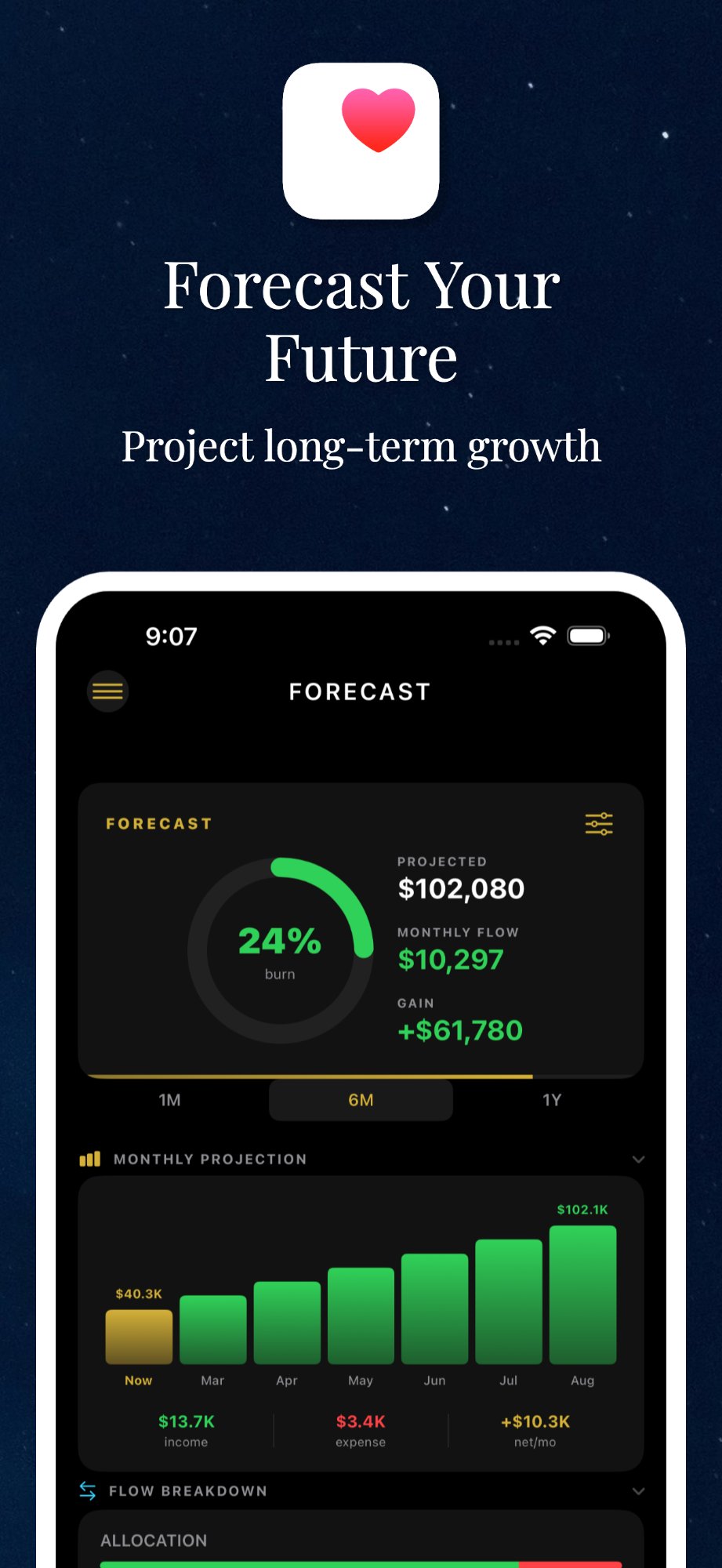
Clean, meaningful charts turn months of spending into a picture you can read at a glance. No spreadsheets. No guesswork.
Categories
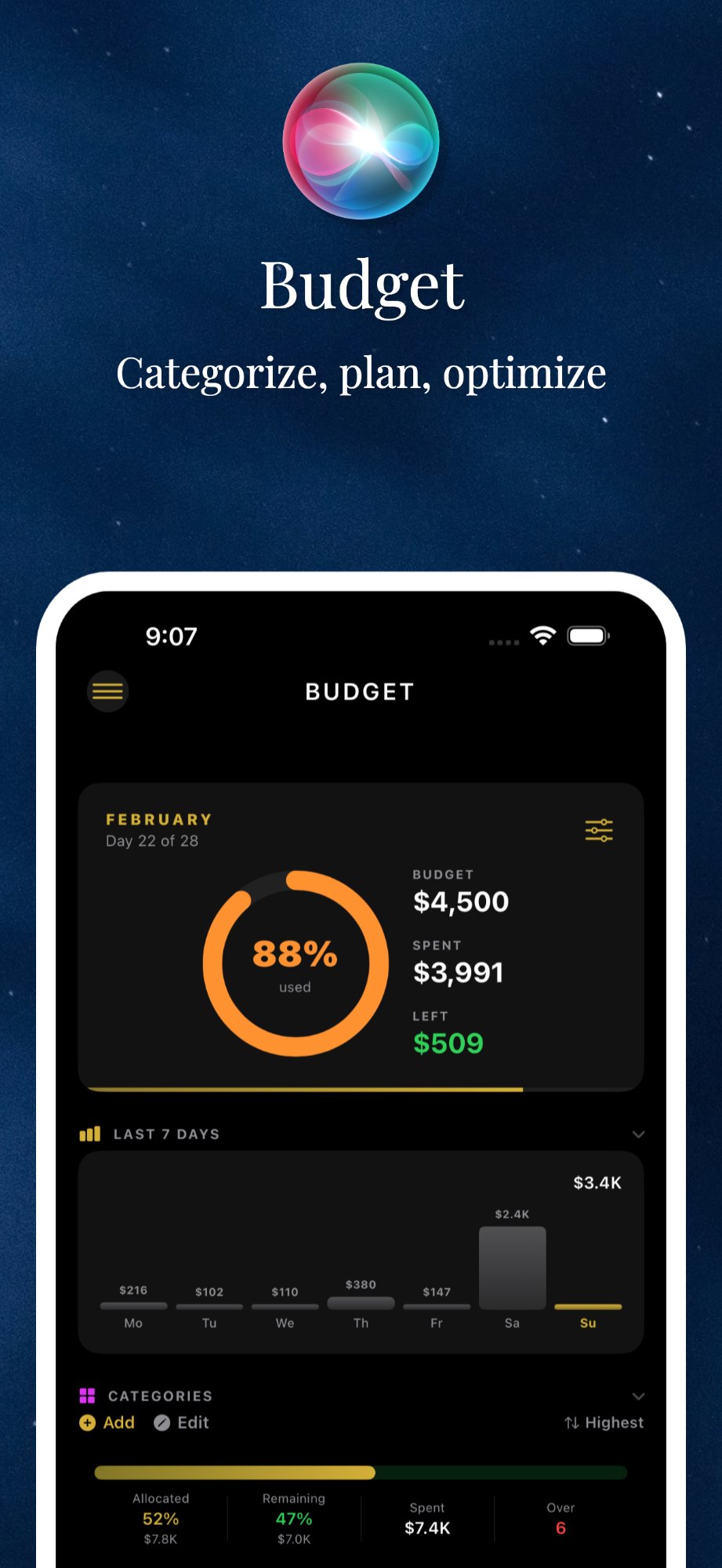
Expenses organize themselves into smart categories that make sense — groceries, transport, subscriptions — so the structure is already there when you need it.
Privacy
Your financial data stays on your device. No accounts, no cloud, no tracking. The most personal data deserves the most personal storage: your own iPhone.
Log transactions in seconds with an interface built for speed and repetition.
See spending patterns through clean, meaningful charts and breakdowns.
Expenses organize themselves into categories that make sense.
Your financial data stays on your device. No accounts, no cloud, no tracking.
JFin on iPhone
Your thoughts, preserved.
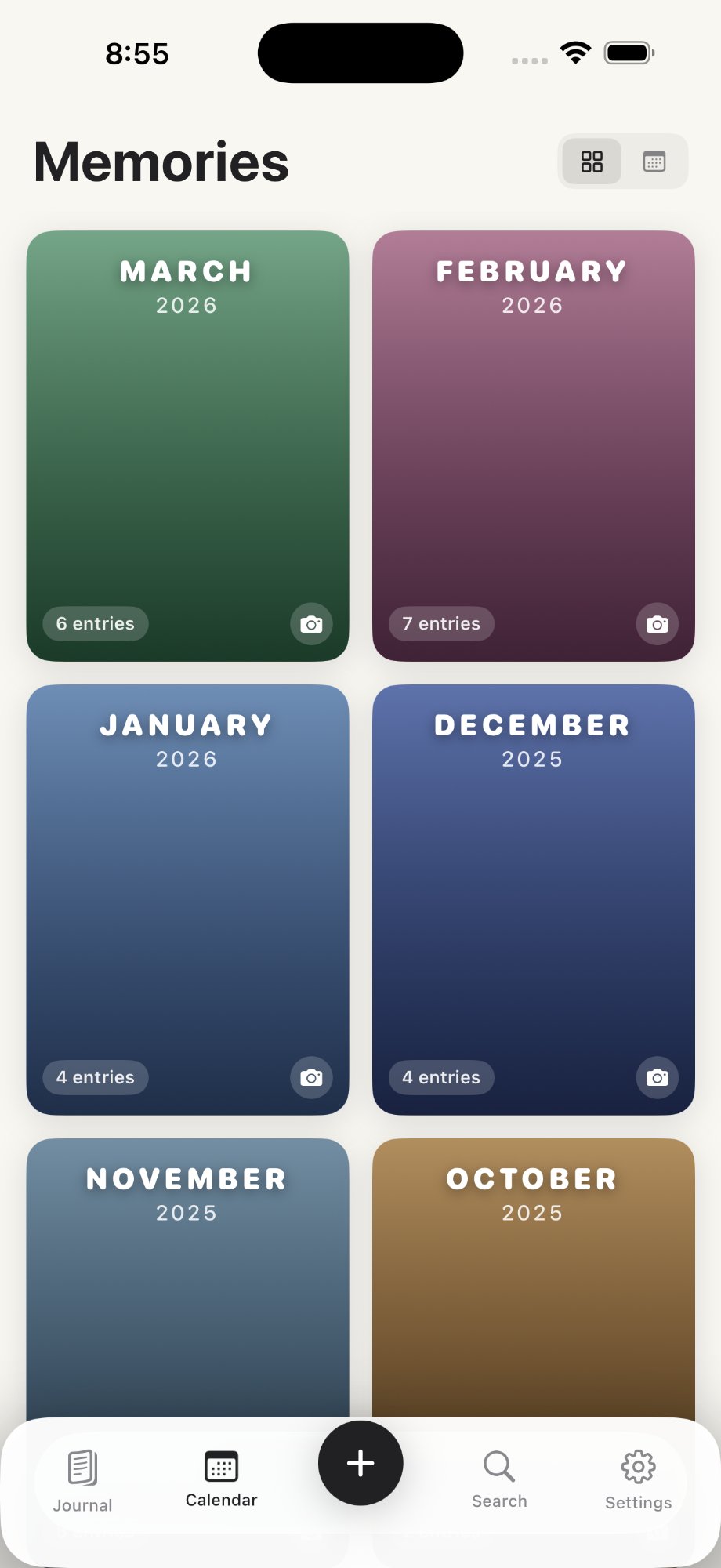
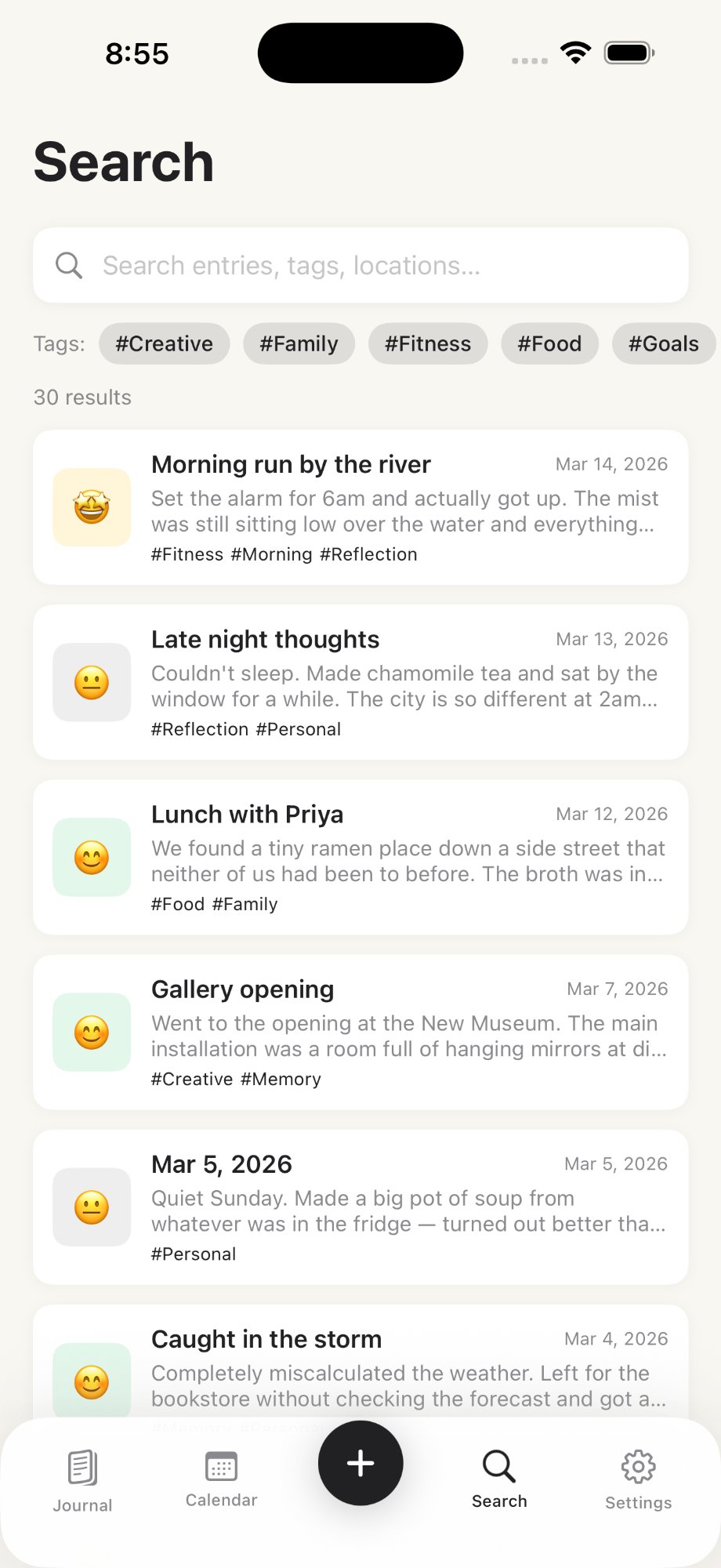
A journaling app that gives you a calm, distraction-free space to reflect, write, and grow.
Writing
A distraction-free editor that lets your thoughts flow naturally. No toolbars fighting for attention. No noise. Just you and the page.
Prompts & mood
Thoughtful daily prompts inspire reflection when you need a gentle nudge, while mood tracking quietly maps your emotional journey alongside your words.
Privacy
A journal is the most private thing you own. JDiary keeps it that way — every entry stays on your device. No accounts, no cloud, no data collection.
JDiary on iPhone
Start your journaling journey today.
$0.99
per month
Perfect for trying it out.
$9.99
per year
Best value — save 15%.
$29.99
one time
Pay once, journal forever.
Coming soon
Your strength, tracked.
A workout companion for logging lifts, tracking progress, and building strength — designed with the same privacy-first philosophy as every Jayhope app.
Record sets, reps, and weight without breaking your flow between sets. Built for one hand and a chalky thumb.
Watch your strength build over weeks and months with clean visual trends and personal records that celebrate themselves.
No accounts, no cloud, no tracking. Your training data is yours alone — like every Jayhope app.
Want to know the moment JLift arrives? Drop us a line and we'll keep you posted.
We're here to help. Reach out anytime at
Last updated: June 11, 2026
Jayhope ("we", "us", "our") operates the JFin, JDiary, and JLift mobile applications. This Privacy Policy explains how we handle information when you use our apps.
We do not collect any personal information. Our apps do not require user accounts, do not track your location, and do not use analytics or advertising SDKs. All data you enter is stored exclusively on your device.
All app data is stored locally on your iOS device. We do not have access to, nor do we transmit, any of your data to external servers.
Our apps do not integrate with any third-party analytics, advertising, or data collection services. The only third-party service involved is Apple's App Store.
JDiary offers subscription plans processed entirely through Apple's App Store. We do not have access to your payment information.
Our apps do not knowingly collect information from children under 13.
We may update this Privacy Policy from time to time. Changes will be posted on this page.
If you have questions about this Privacy Policy, contact us at or through our support page.
Last updated: June 11, 2026
By downloading or using JFin, JDiary, or JLift, you agree to these Terms of Service.
JFin is a personal finance tracker. JDiary is a journaling app. JLift is a workout tracker. All are for personal, non-commercial use on iOS.
You are responsible for your data and device backups. You agree not to misuse or reverse-engineer the Apps.
JDiary offers plans at $0.99/month, $9.99/year, or $29.99 lifetime. All payments via Apple's App Store. Subscriptions auto-renew unless cancelled 24 hours before the period ends.
The Apps are owned by Jayhope and protected by copyright. You may not copy, modify, or distribute any part.
The Apps are provided "as is" without warranties. JFin is not financial advice. JDiary is not mental health services. JLift is not medical or fitness advice.
Jayhope shall not be liable for indirect or consequential damages arising from use of the Apps.
We may modify these terms at any time. Continued use constitutes acceptance.
Questions? Contact us at or through our support page.
Your data, your control.
None of our apps collect or store user data on external servers. All data is stored locally on your device.
To delete all app data, simply delete the app from your device. This permanently removes all locally stored data.
If you have an active JDiary subscription, deleting the app does not cancel it. Cancel through Settings > Apple ID > Subscriptions first.
To request data deletion, contact us at or through our support form.
Building tools that simplify your everyday.
Jayhope is an independent software studio focused on creating beautifully designed, privacy-first iOS applications.
Our apps help people manage the essentials of daily life — from personal finances to journaling and fitness.
No accounts. No data collection. No ads. Your information stays on your device. Privacy is a right, not a feature.
Reach us at or visit our support page.